Watch the same video, at the same moment — wherever everyone is
ScreenParty is a private room in the browser: the host picks a video, everyone sees the same frame, and you talk about it as it plays. Here is how people use it.
Create a room — free Schedule one for later
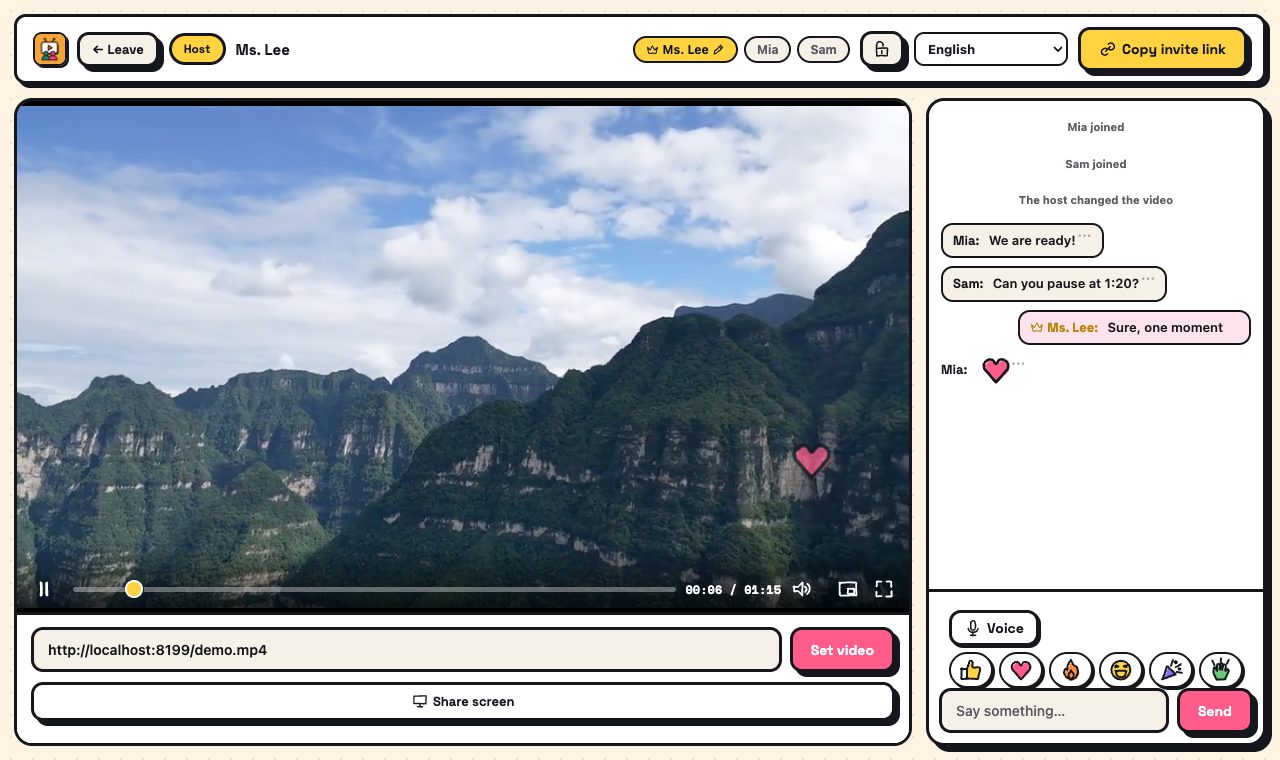
Watch course videos together, in sync — for tutors and small classes
Tutors, teachers and study groups pausing a lesson video together to explain and discuss.
Watch parties for fan communities, book and film clubs
Fan groups and clubs scheduling a watch party and reacting together in real time.
Watch together long-distance — couples, family and friends abroad
Couples, families and friends in different cities or countries watching and talking at the same time.
Let your AI assistant make the watch-together link
Ask your own AI assistant to create rooms, scheduled watch parties and branded links for you.